







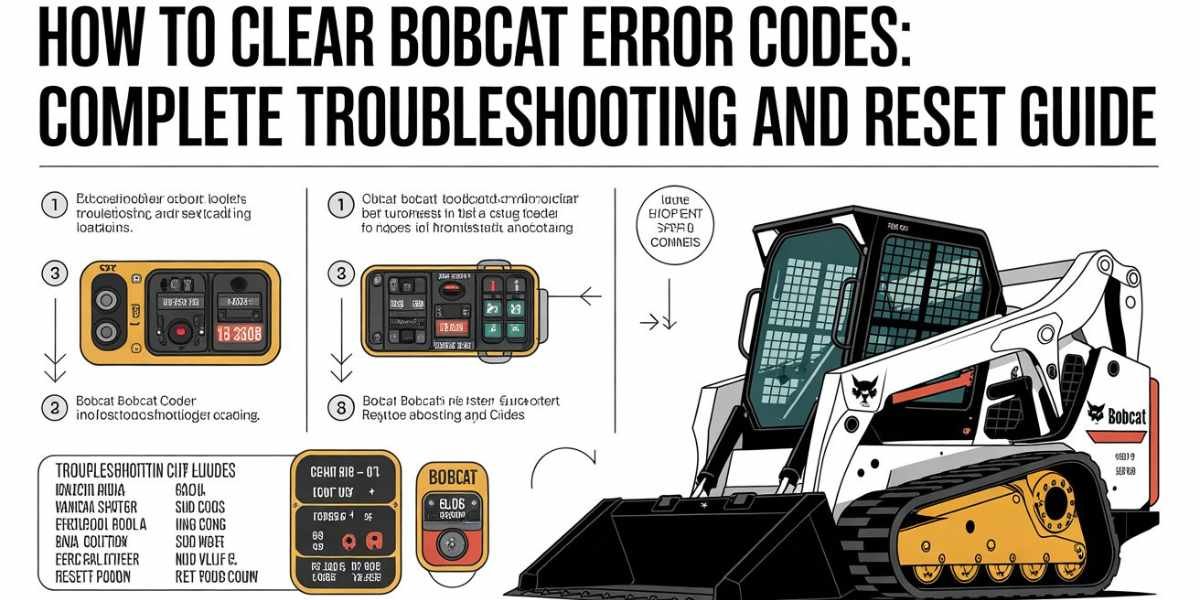
Bobcat machines are built to handle demanding jobs, but like any advanced equipment, they can occasionally display diagnostic fault codes. If you’ve recently seen a warning light or error message on your Bobcat skid steer, compact track loader, or excavator, you’re probably wondering how to clear Bobcat error codes and get back to work quickly.
The good news is that many Bobcat error codes can be cleared after fixing the underlying issue. However, simply deleting a code without addressing the root cause may cause the error to return. In this guide, you’ll learn how Bobcat diagnostic codes work, how to reset them correctly, and what to do when a fault code won’t disappear.
Understanding Bobcat Error Codes Before Resetting
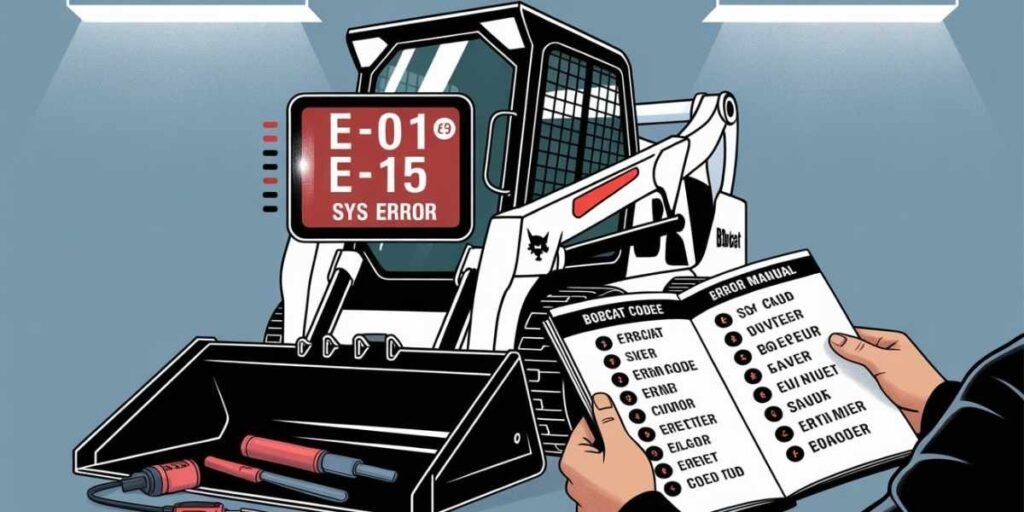
Bobcat error codes are designed to alert operators when the machine detects a problem with sensors, electrical systems, hydraulics, engine components, or other critical functions. These codes help technicians identify issues quickly and prevent further damage.
Before attempting a reset, it’s important to understand what the code means. Some fault codes indicate temporary issues, while others point to serious mechanical or electrical problems. Clearing a code without repairing the underlying fault often causes the warning to return shortly after startup.
Why Bobcat Machines Display Fault Codes
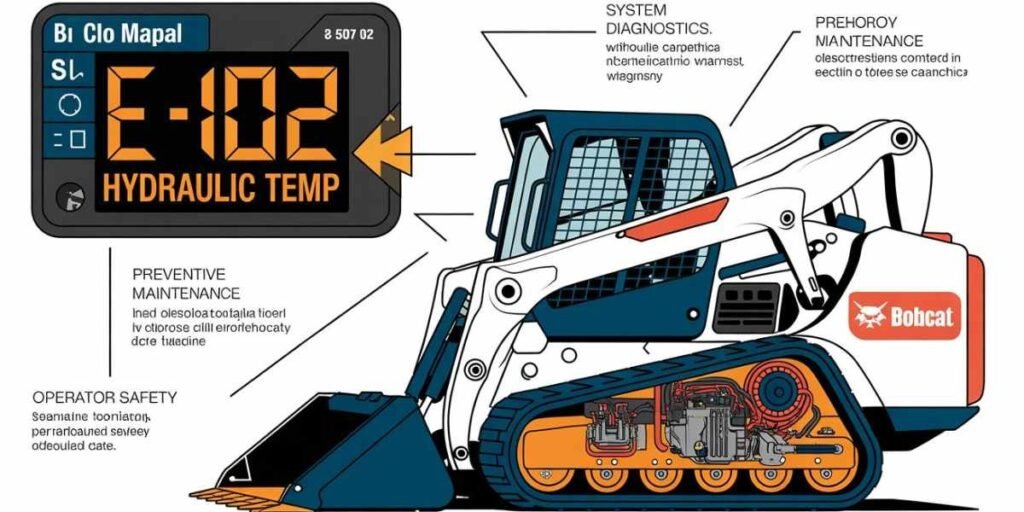
Modern Bobcat equipment uses onboard diagnostic systems that constantly monitor machine performance. When the system detects an abnormal reading or malfunction, it stores a diagnostic trouble code and may activate a warning light on the display panel.
Common causes include low battery voltage, faulty sensors, loose wiring connections, hydraulic pressure problems, engine overheating, fuel system issues, or maintenance-related alerts.
How to Clear Bobcat Error Codes Using the Display Panel
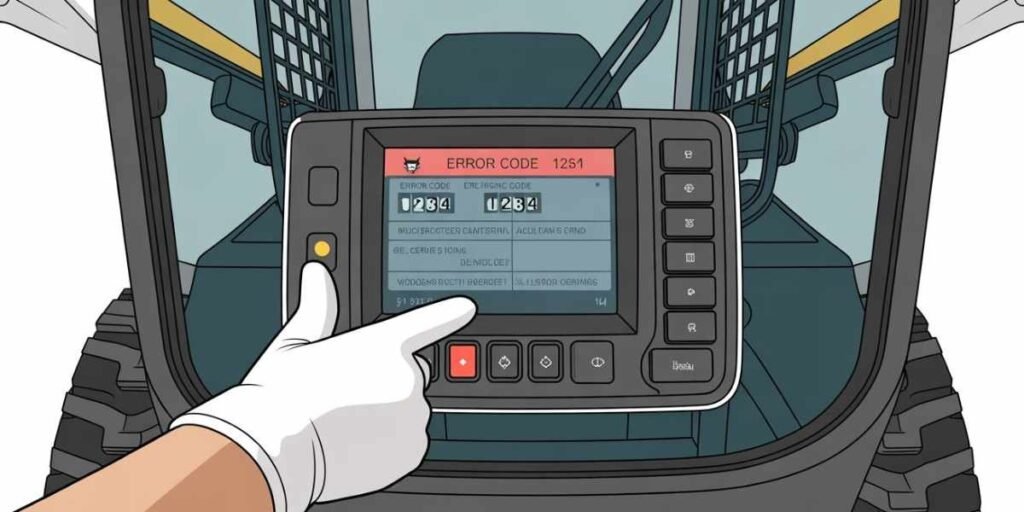
Many newer Bobcat models allow operators to access diagnostic information through the machine’s monitor display. After fixing the issue, you can often clear inactive codes through the service menu.
Navigate to the diagnostics or service menu, locate stored fault codes, and follow the prompts to clear inactive faults. Keep in mind that active faults usually cannot be erased until the actual problem has been corrected.
Using the Ignition Cycle to Reset Minor Faults
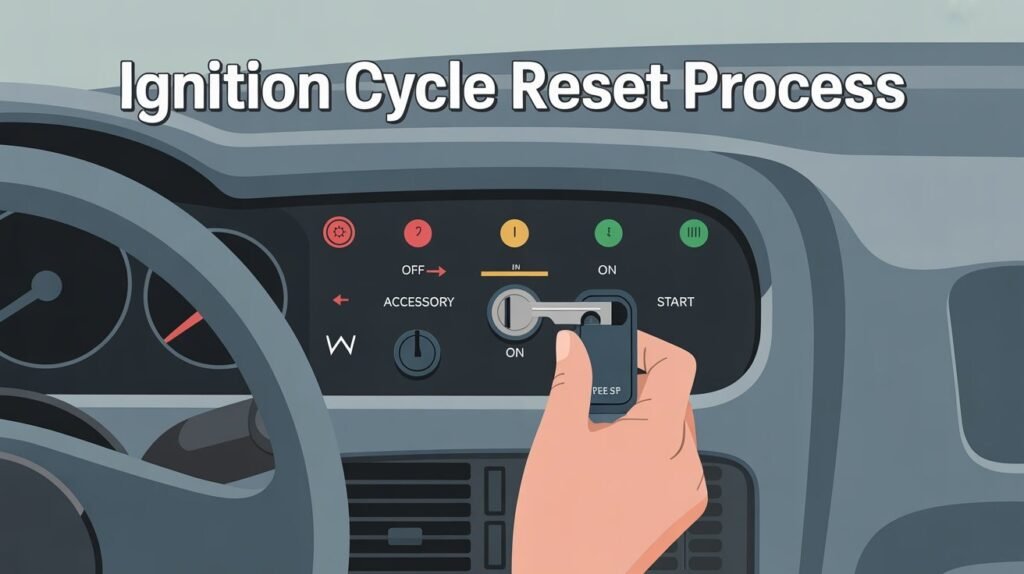
Some temporary Bobcat warning codes may clear automatically after the machine completes several successful startup cycles. This process is sometimes called an ignition reset.
Turn off the machine completely and allow it to sit for a few minutes. Restart the engine and monitor the display. If the issue has been resolved, the fault code may disappear automatically after several operating cycles.
Clearing Bobcat Error Codes With Diagnostic Tools
Professional technicians often use Bobcat diagnostic software or service tools to read and clear fault codes. These tools provide more detailed information than the standard operator display.
Diagnostic equipment can access historical faults, active codes, system parameters, and maintenance records. For persistent problems, using the correct diagnostic software is often the fastest and most accurate solution.
When a Bobcat Error Code Will Not Clear
Sometimes operators successfully reset a code only to see it return immediately. This usually indicates the underlying fault is still active and has not been repaired.
Common causes include damaged sensors, wiring harness issues, failing electrical components, hydraulic faults, or engine-related problems. In these situations, further troubleshooting is required before the code can be permanently cleared.
How to Reset a Bobcat Machine Safely
Performing a full machine reset should be done carefully to avoid losing important diagnostic information. Start by parking the machine on a level surface and engaging all safety procedures.
Shut down the engine completely, disconnect power only if recommended by the manufacturer, and follow the service manual instructions for your specific Bobcat model. Different machines may have slightly different reset procedures depending on year and equipment type.
Preventing Future Bobcat Error Codes
Routine maintenance is the best way to reduce unexpected fault codes and downtime. Regular inspections help identify worn components before they trigger warning messages.
Check fluid levels, inspect wiring connections, clean sensors, replace filters on schedule, and perform manufacturer-recommended maintenance. Keeping your Bobcat machine in good condition can significantly reduce diagnostic issues over time.
Common Bobcat Fault Codes Operators Encounter
While codes vary by model, some of the most common Bobcat diagnostic errors involve battery voltage warnings, engine temperature alerts, hydraulic system faults, fuel delivery problems, and sensor communication errors.
Understanding these common issues can help operators respond more quickly when a warning appears. Always consult the machine’s operator or service manual for code-specific troubleshooting information.
Final Thoughts
Learning how to clear Bobcat error codes is useful for every equipment owner and operator. However, the most important step is always to identify and fix the root cause before attempting a reset. Simply erasing a code may temporarily remove the warning, but unresolved faults typically return.
By understanding Bobcat diagnostic systems, using proper troubleshooting methods, and following routine maintenance schedules, you can keep your machine running efficiently while minimizing downtime and costly repairs.
FAQs
How to clear codes on a Bobcat?
Most Bobcat models allow you to clear inactive fault codes through the diagnostic or service menu after the issue has been repaired. Active faults generally remain until the underlying problem is fixed.
How do I manually clear codes?
Manual clearing methods vary by model. Typically, operators access the diagnostic menu through the display panel or use specialized diagnostic software to erase stored fault codes.
How to clear Bobcat error code PDF?
Bobcat service manuals and diagnostic guides often contain code reset procedures. Always use documentation specific to your machine model for accurate instructions.
How do I reset a Bobcat?
A Bobcat reset usually involves shutting down the machine, correcting the fault, restarting the system, and clearing inactive codes through the service menu. Some issues may require diagnostic tools for a complete reset.