
If you suddenly see OpenGL Error 1282 while playing a game or running a graphics program, it can be really confusing. Most people have no idea what this error actually means, and the message itself doesn’t give much detail. It just says “Invalid Operation”, which sounds serious but doesn’t explain what went wrong.
This error is very common in Minecraft, especially when using shaders or mods. Developers also face it in C++ and PyOpenGL projects when something goes wrong with the rendering process. In simple words, OpenGL is being asked to do something that is not allowed in its current state.
The good thing is, this error usually doesn’t mean your system is broken. In most cases, it happens because of small issues like outdated graphics drivers, broken scripts, shader conflicts, or wrong OpenGL commands. Once you understand the real cause, fixing it becomes much easier.
Quick Answer
OpenGL Error 1282 means GL_INVALID_OPERATION. It occurs when an OpenGL function is called at the wrong time or in an invalid state. This error commonly appears in Minecraft, shaders, C++, and PyOpenGL, and is usually caused by driver problems, shader issues, broken scripts, or incorrect command order.
What Does OpenGL Error 1282 Mean?
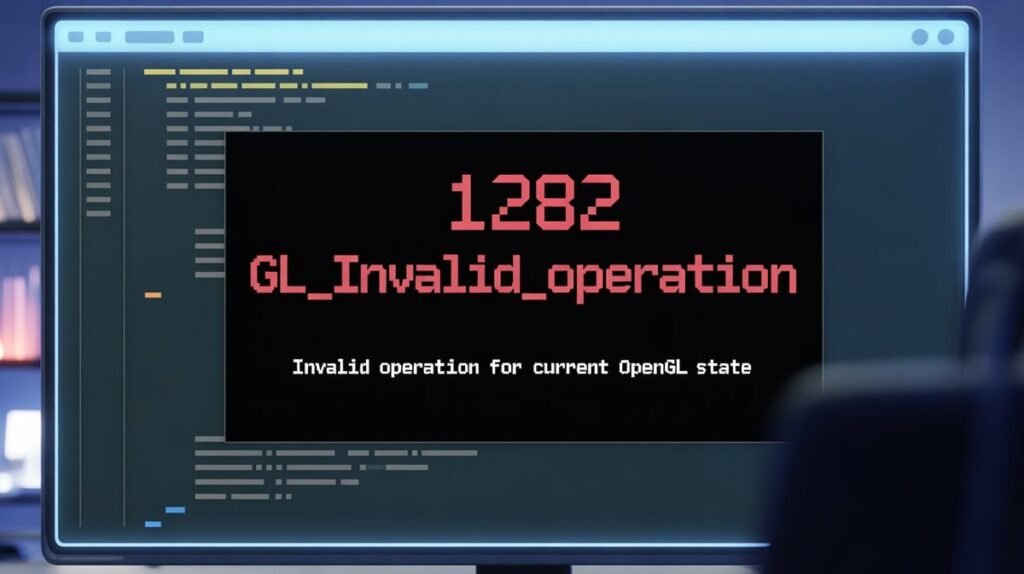
OpenGL Error 1282 is officially called GL_INVALID_OPERATION. But in simple terms, it just means that OpenGL was asked to do something that is not allowed at that moment.
Think of OpenGL like a system that works step by step. Every command only works if everything before it is set up correctly. If even one thing is missing or out of order, OpenGL stops and shows this error.
So when you see Error 1282, it usually doesn’t mean your computer is broken. It simply means that a function was called at the wrong time, or something important was not ready yet.
This is why this error appears in so many different situations. A gamer might see it because of a shader problem. A developer might see it because of a wrong command sequence. But the core meaning stays the same: OpenGL is in an invalid state.
In most cases, once you fix the setup or correct the order of commands, the error disappears.
Why Does OpenGL Error 1282 Happen?
Now the real question: why does this error actually happen?
In most cases, Error 1282 appears because OpenGL is not in the right state when a command is executed.
This usually happens for a few common reasons.
First, wrong order of commands.
OpenGL is very strict about sequence. If you call a function before something is properly initialized, it will throw this error. For example, trying to draw something before setting up the rendering context.
Second, shader problems.
If a shader fails to compile or link, and you still try to use it, OpenGL doesn’t always show a clear message. Instead, it often results in Error 1282.
Third, glBegin and glEnd misuse.
In older OpenGL code, some functions are not allowed between glBegin() and glEnd(). If you accidentally call one of those, you will get this error immediately.
Fourth, broken or unsupported features.
Sometimes the script or mod you’re using calls a feature that your GPU simply does not support. OpenGL sees this as an invalid operation.
And finally, driver issues.
Outdated or corrupted graphics drivers are one of the biggest real-life causes. Everything in your code might be correct, but the driver fails to handle it properly.
So, in short, OpenGL Error 1282 usually happens when:
- Something is missing
- Something is in the wrong order
- Or something is not supported
OpenGL Error 1282 in Minecraft
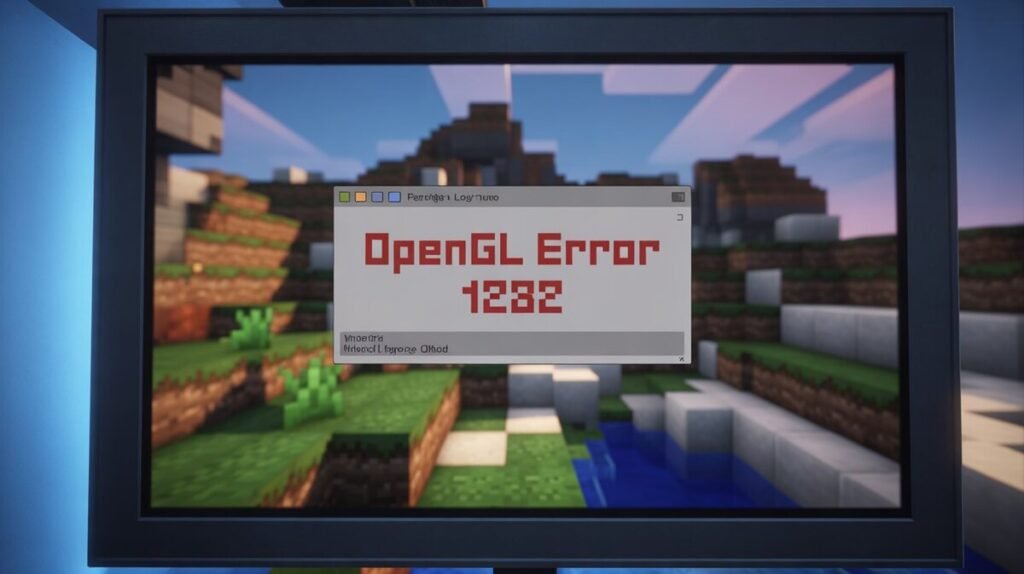
This is where most normal users face this error for the first time. If you’re playing Minecraft and suddenly see OpenGL Error 1282, it’s usually related to shaders, mods, or graphics settings.
In Minecraft, this error often appears when you install shaders or OptiFine. Shaders push your GPU a lot, and if your system doesn’t fully support them, OpenGL throws this error.
Another very common reason is outdated graphics drivers. Minecraft keeps getting updates, but many users never update their GPU drivers. When the game tries to use newer OpenGL features, the driver fails and shows Error 1282.
Mods can also cause this. Some mods use broken or old rendering code. Even if one mod is incompatible, it can trigger this error again and again.
Java version mismatch is another hidden cause. Minecraft runs on Java, and sometimes using the wrong Java version creates rendering conflicts that lead to OpenGL errors.
In simple words, in Minecraft, this error usually means:
- Your shaders are too heavy
- Your GPU doesn’t fully support the feature
- Or your drivers/mods are outdated
The game itself is fine; the problem is almost always with graphics-related settings or add-ons.
OpenGL Error 1282 with Shaders and OptiFine
Shaders and OptiFine are great for making games look better, but they are also one of the biggest reasons behind OpenGL Error 1282.
Most shaders use advanced graphical features. If your GPU does not fully support those features, OpenGL gets confused and throws this error. This is very common on older laptops or low-end graphics cards.
OptiFine itself is not bad, but problems start when:
- You use very heavy shader packs
- You mix multiple mods with OptiFine
- Or your graphics driver is outdated
Sometimes, even a single shader setting, like dynamic lighting or shadow quality, can break things. OpenGL then tries to render something that is not allowed in the current state.
Another real issue is broken shader files. If a shader pack is not properly installed or is missing files, it can directly cause Error 1282.
So if this error started after installing shaders or OptiFine, the chances are very high that:
- The shader is not compatible with your GPU
- Or one setting is too demanding
- Or the shader pack itself is buggy
In most cases, simply disabling shaders or switching to a lighter shader pack makes the error disappear.
OpenGL Error 1282 in C++ (glEnd Issue)
For developers, OpenGL Error 1282 often shows up while working with C++, especially around glBegin() and glEnd().
This error usually happens when glEnd() is called in the wrong way. Either glBegin() was never called before it, or some invalid function was used in between. OpenGL is very strict here; even one small mistake breaks the flow.
For example, calling functions like texture setup or shader changes between glBegin() and glEnd() is not allowed in older OpenGL. When that happens, OpenGL immediately throws Error 1282.
Another common issue is the wrong command sequence.
If you try to draw something before binding buffers or enabling required states, OpenGL considers it an invalid operation.
Many beginners also forget that OpenGL works like a state machine. If one state is missing, like no active shader or no valid context, even correct-looking code can fail.
So in C++, this error usually means:
- glBegin() and glEnd() are not paired correctly
- A function is used in the wrong place
- Or a required OpenGL state is not set
The logic is simple: OpenGL expected a certain setup, but your code didn’t match that expectation.
OpenGL Error 1282 in PyOpenGL
In PyOpenGL, this error is very common, especially for beginners. Python makes OpenGL easier to use, but it also hides many low-level details, which makes debugging harder.
Most of the time, Error 1282 in PyOpenGL happens because a shader failed to compile or link, but the program still tries to use it. PyOpenGL doesn’t always show a clear error message for this, so developers only see Error 1282 and get confused.
Another frequent problem is missing context. If the OpenGL window or context is not properly created, and you try to run rendering commands, OpenGL throws this error.
State problems are also very common. For example:
- Using glUseProgram() with an invalid program
- Binding a texture that was never created
- Drawing without setting up buffers
Because Python is flexible, these mistakes don’t always crash the program — they just silently lead to Error 1282.
So in PyOpenGL, this error usually means:
- Something important failed earlier
- But the code continued anyway
- And now OpenGL is in an invalid state
The real fix is almost always to check what failed before the error appears.
Real-Life Examples of OpenGL Error 1282
To understand this error better, let’s look at how it usually happens in real life.
Example 1: Minecraft Player
A user installed a new shader pack to make Minecraft look more realistic. The game started fine, but after a few minutes, it crashed with OpenGL Error 1282. The problem wasn’t the game; the shader was too heavy for the user’s GPU. As soon as they disabled the shader, the error disappeared.
Example 2: C++ Developer
A beginner was learning OpenGL and wrote drawing code using glEnd(), but forgot to call glBegin() before it. The code compiled without any issues, but at runtime, OpenGL kept showing Error 1282. Once the correct order was fixed, everything worked normally.
Example 3: PyOpenGL Project
A Python developer created a shader but made a small syntax mistake. The shader failed to compile, but the program still tried to use it. PyOpenGL didn’t show a clear message, only Error 1282. After checking the shader logs, the real issue became obvious.
These examples show one important thing:
OpenGL Error 1282 is usually not random. There is always a real cause behind it, either something failed earlier, something is unsupported, or something is used in the wrong order.
Reddit example
It seems like the problem is Optifine (HD U I6 pre4), because the message doesn´t appear when I´m not using it. But when I do play with Optifine (no more mods at all) and I open my world I see that message in the chat. What can I do? I have no idea why, also I already updated my video drivers. Please help…
Step-by-Step Fix Guide for OpenGL Error 1282
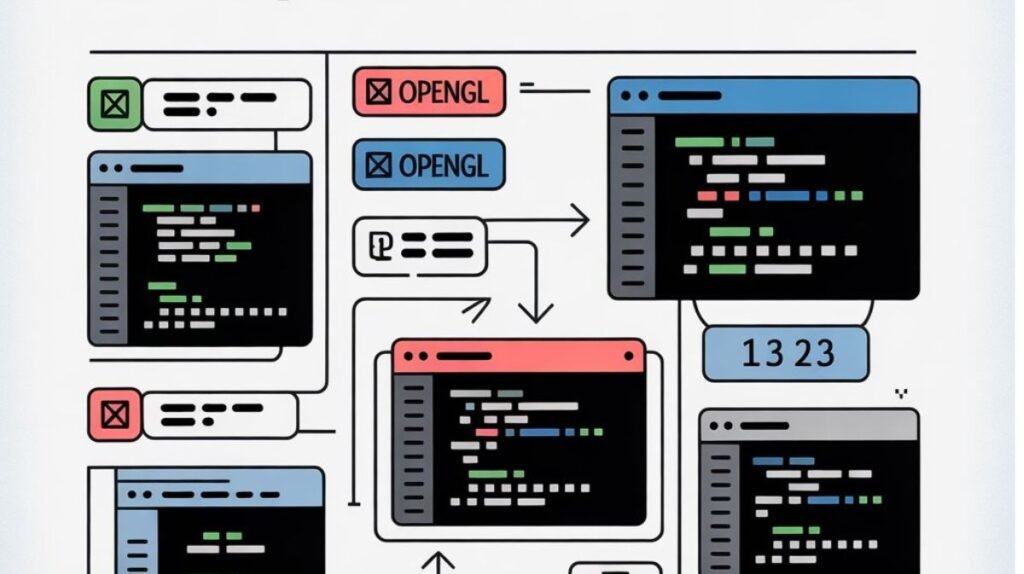
Now let’s talk about how to actually fix this error. The good thing is, in most cases, you don’t need any advanced technical skills. A few basic steps solve the problem for most users.
For Minecraft and Normal Users
First, update your graphics drivers. This alone fixes the issue for a huge number of people. Old drivers are the most common hidden reason behind OpenGL errors.
Second, disable shaders and mods. If the error started after installing shaders, turn them off and test the game again. If the error disappears, the shader was the problem.
Third, check OptiFine settings. Try lowering graphics options like shadow quality, dynamic lighting, or render distance.
Fourth, update Java. Many Minecraft rendering issues come from outdated Java versions.
Finally, restart the game and system. It sounds simple, but it actually fixes broken OpenGL states surprisingly often.
For Developers (C++ and PyOpenGL)
First, use glGetError() to find where the error appears. This helps you locate the exact line that causes the problem.
Second, always check the shader compile and link status. Never assume a shader worked; always verify it.
Third, make sure your OpenGL context is created properly before running any rendering code.
Fourth, double-check the order of your commands. Most Error 1282 cases are caused by calling a function too early or too late.
In simple words: fix what failed earlier, and this error usually disappears by itself.
How to Prevent OpenGL Error 1282 in the Future
Once you fix this error, the next smart step is making sure it doesn’t come back again.
The first rule is simple: keep your system updated.
Always use the latest graphics drivers, updated Java, and updated mods. Most OpenGL errors happen because something is outdated.
Second, avoid installing random or untrusted shader packs. Many shader errors come from poorly made files that are not properly tested.
Third, if you’re a developer, always validate everything.
Check shaders, check buffers, and never assume something worked just because the program didn’t crash.
Fourth, don’t mix too many mods or rendering tools together. The more layers you add, the higher the chance of OpenGL conflicts.
And finally, use a habit of testing changes one by one.
If you install five mods at the same time and something breaks, you’ll never know which one caused it.
In short, prevention is about:
- Keeping things updated
- Not overloading your setup
- And fixing small errors early
Do this, and you’ll rarely see OpenGL Error 1282 again.
Frequently Asked Questions (FAQ)
What does OpenGL Error 1282 mean?
It means an OpenGL function was called in an invalid state. Something was missing, unsupported, or used in the wrong order.
Is OpenGL Error 1282 serious?
Usually no. In most cases, it’s a configuration or compatibility issue, not a hardware failure.
Why does glEnd cause Error 1282?
Because glBegin() and glEnd() were not used correctly, or an invalid function was called between them.
Can graphics drivers cause this error?
Yes. Outdated or corrupted drivers are one of the most common real-world causes.
Can I just ignore this error?
Sometimes, especially in Minecraft, the game still works. But it’s better to fix the root cause to avoid future problems.

Clara Linford is a tech enthusiast and troubleshooting expert specializing in Windows errors, gaming crashes, and software fixes. At FindsErrors.com, she breaks down complex technical issues into simple, step-by-step solutions.