
Many players encounter the frustrating TS4 loading error when launching The Sims 4. The game may stop at the initial screen. It can also crash at startup or freeze during loading. Some users see messages like “Game failed to load,” “Sims 4 not loading,” or “Sims 4 stuck on black screen.” Corrupted cache files often cause this issue. Missing or outdated game files after updates can also trigger it. Mods or Custom Content (CC) may conflict with the latest game version. Broken save files can also stop the game from loading.
Many gamers search online for fixes. Common searches include “Sims 4 loading screen stuck,” “TS4 won’t load after update,” and “Sims 4 launch error fix.” These searches show that the problem appears frequently after updates or mod installations. System changes can also create issues. For example, Windows updates or GPU driver updates sometimes make game files incompatible. As a result, the game crashes instantly or freezes on the loading wheel.
Common Causes of TS4 Game Loading Error
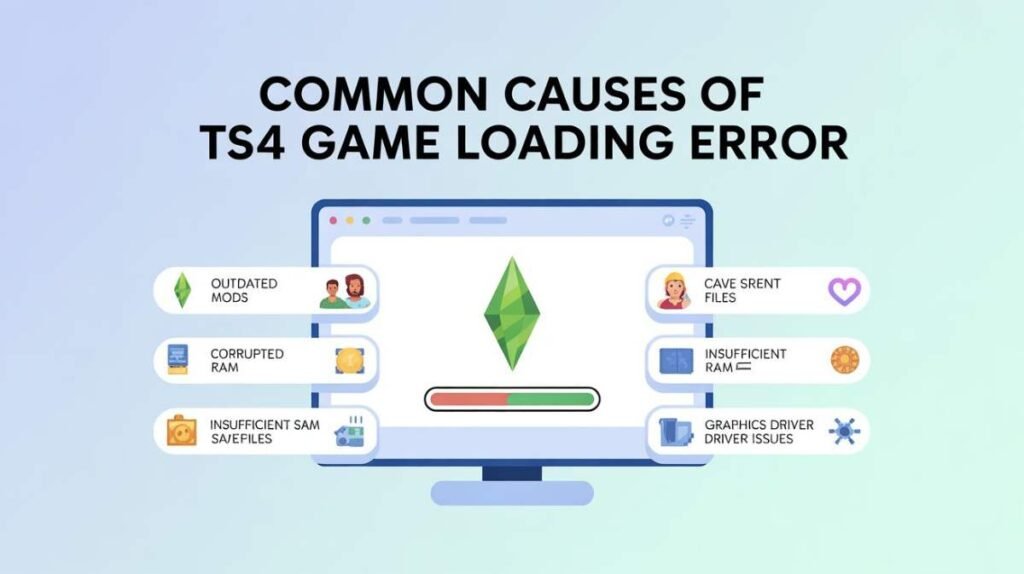
The TS4 game loading error usually appears when The Sims 4 cannot start correctly. Corrupted cache files often create loading problems. Broken save files may also stop the game from launching. Players may see the game freeze on the loading screen or crash immediately. Some users receive messages like “Game failed to load” or “TS4 stuck on black screen.”
Mods and Custom Content (CC) can also trigger this error. Outdated or incompatible mods often break the game after updates. System issues also contribute to the problem. Low RAM, limited disk space, or outdated graphics drivers can prevent the game from starting. Understanding these causes helps players choose the right solution quickly.
How to Fix TS4 Game Loading Error – Step-by-Step Solutions
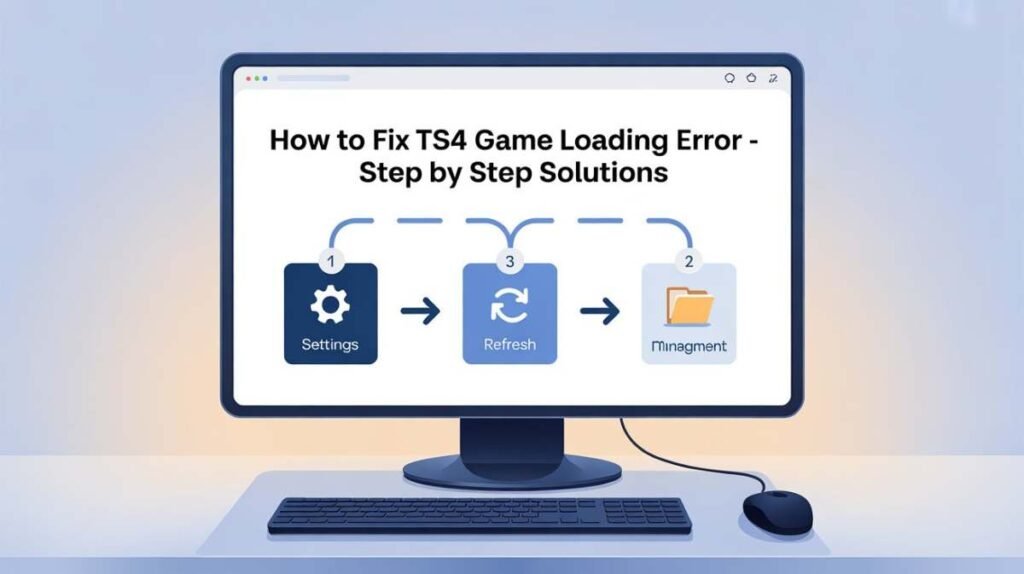
You can fix the TS4 game loading error by following several simple steps. First, clear the game cache and temporary files because a corrupted cache often appears after updates or crashes. Next, check for game updates through Origin or the EA App and install the latest patches. If you use Mods or Custom Content, disable them temporarily and test the game again. Repairing the game installation using the Origin/EA repair tool can also restore missing or damaged files and solve the issue for many players.
Clear Sims 4 Cache Files to Fix Loading Problems
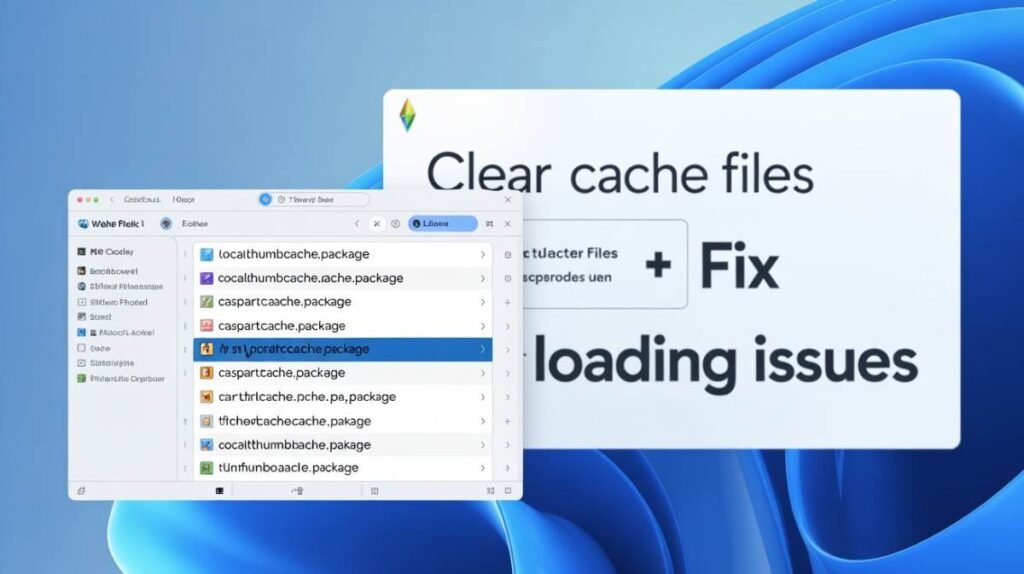
Clearing cache files is one of the easiest ways to fix the TS4 game loading error. Temporary cache data sometimes becomes corrupted, preventing the game from loading correctly. Open Documents > Electronic Arts > The Sims 4 folder and delete the file localthumbcache.package. You can also remove unnecessary files from the Caches folder. This step removes corrupted data and often restores normal game loading.
My TS4 Game Stuck on Loading Screen: Reddit Users Share Real Experience
Many Sims 4 players report that their game gets stuck on the loading screen even after trying basic fixes. Some players clear cache, remove mods, repair the game, and restart the EA App, but the problem continues. Users often search for “Sims 4 stuck on loading screen Reddit” or “TS4 won’t load no mods.” Reddit discussions suggest that corrupted save files or gallery lots can also cause this issue, especially when the game loads normally with a new save file but freezes with older saves.
One reddit userr\thesims says
‘Game Loading is in progress’ error?
My game is having a problem where it won’t let me go into create a sim, age sims up, or save my game! Has a ……..
Step-by-Step Fixes for Sims 4 Stuck on Loading Screen
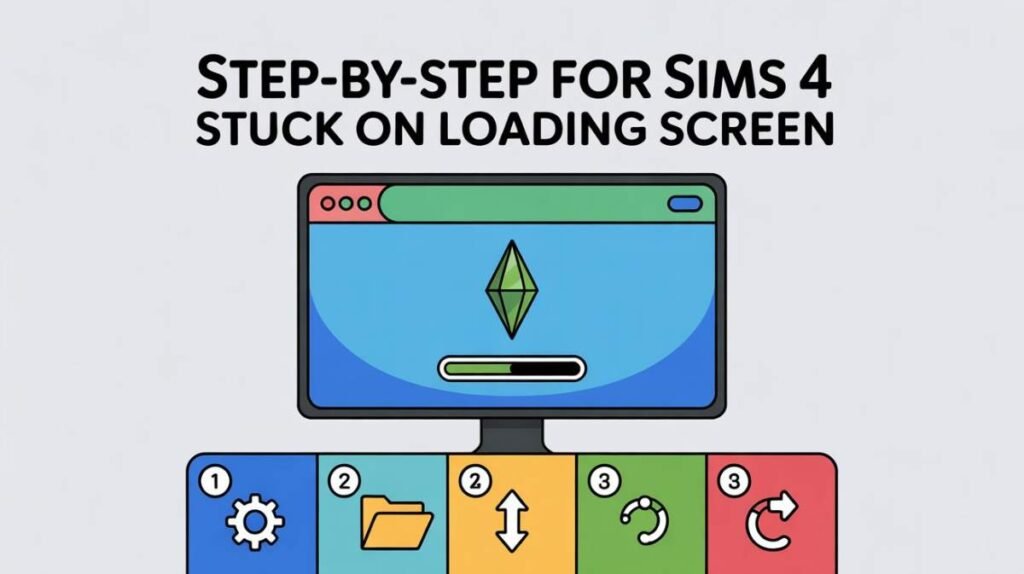
If your game freezes on the loading screen, try several quick fixes. Clear the game cache, remove Mods or Custom Content, and repair the game using Origin or EA App. Updating graphics drivers also helps prevent compatibility issues. Closing background applications and running the game as an administrator can improve system performance and allow The Sims 4 to load properly.
Repair or Reinstall Sims 4 to Solve Loading Errors
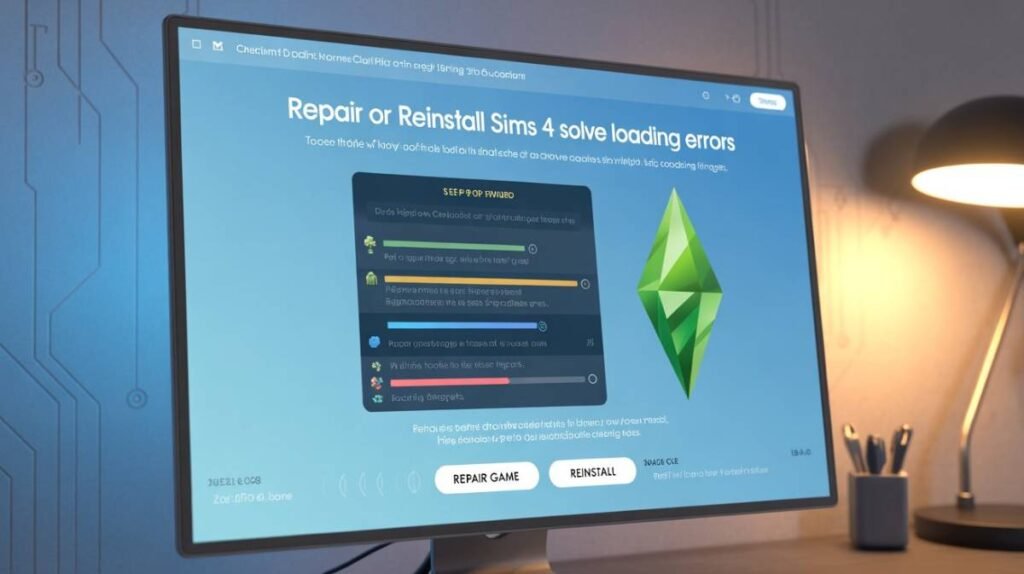
Repairing or reinstalling The Sims 4 can solve persistent loading problems. The repair tool in Origin or the EA App scans game files and replaces corrupted or missing data. If the issue continues, reinstall the game completely. A fresh installation removes broken files, leftover cache, and incompatible mods that may block the game from starting.
Update Your System and Graphics Drivers
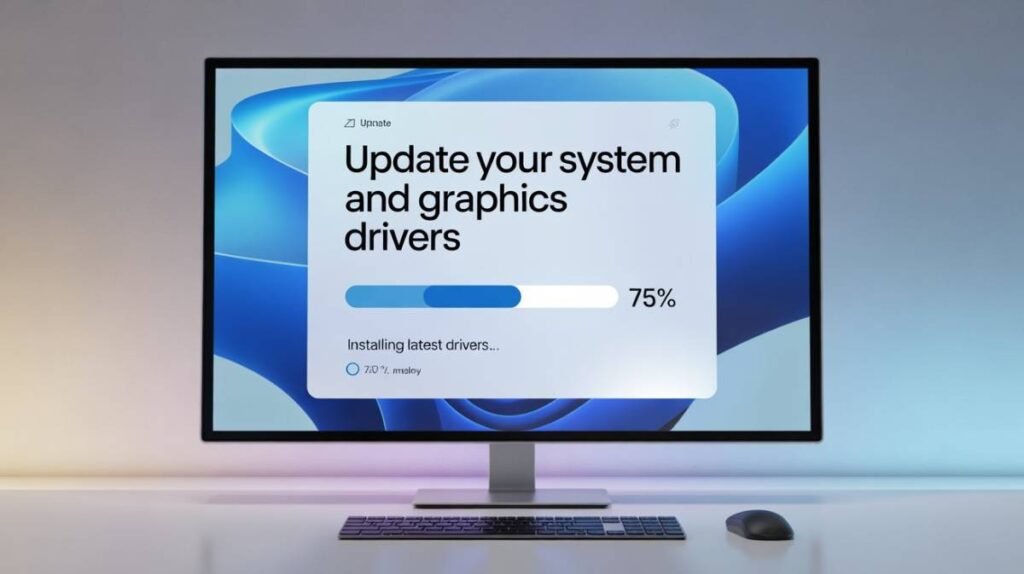
Outdated system components can also cause the TS4 game loading error. Updating your Windows or macOS system ensures compatibility with the latest Sims 4 patches. You should also install the newest GPU drivers from NVIDIA, AMD, or Intel. Updated drivers improve performance and prevent crashes during startup.
Preventing Future TS4 Loading Errors
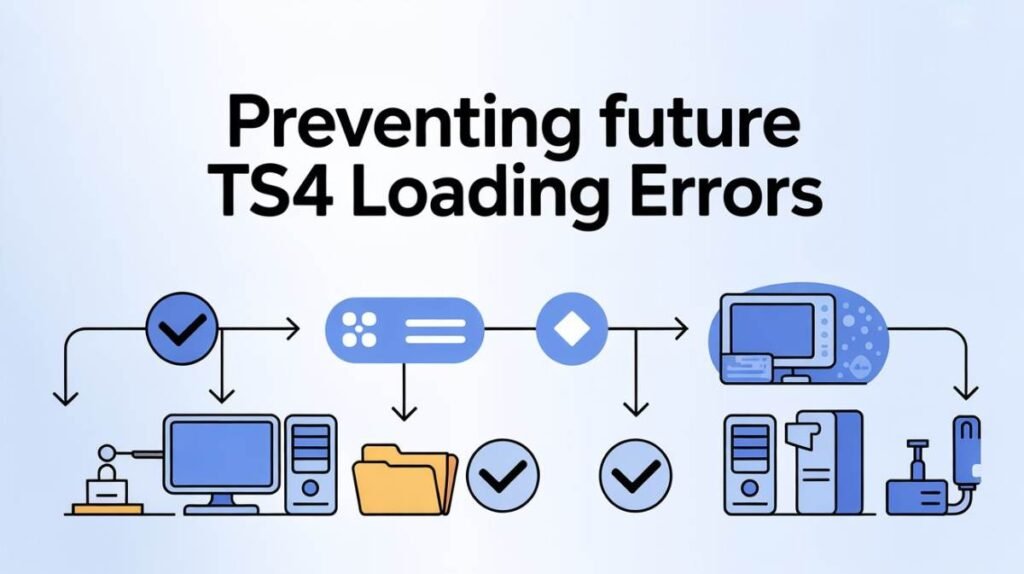
You can prevent future Sims 4 loading problems by maintaining your game regularly. Clear cache files after updates and always keep the game version updated. Check mods for compatibility whenever a new patch releases. Backing up your save files also protects your progress and reduces the risk of data corruption.
Conclusion: Fixing the TS4 Game Loading Error Permanently
The TS4 game loading error usually occurs because of corrupted cache files, broken save data, outdated mods, or system driver conflicts. Clearing cache files, disabling mods, repairing the game, and updating drivers solve most cases. If the problem continues, reinstalling the game can restore a clean installation and eliminate persistent loading issues.
FAQs: TS4 Game Loading Error
Q1: Why is my Sims 4 stuck on the loading screen?
The TS4 game loading error often happens due to corrupted cache files, broken save files, or conflicting Mods/Custom Content (CC). Other causes include outdated game updates, insufficient system resources, or incompatible graphics drivers. Users searching for “Sims 4 not loading”, “TS4 stuck on loading screen fix”, and “game won’t start Sims 4” will find that clearing caches, removing mods, or repairing the game usually solves the issue.
Q2: How do I fix Sims 4 loading errors after installing mods?
If your game won’t load after adding Mods or CC, start by removing all custom content and clearing the game cache. Repairing the game using the Origin/EA App and updating graphics drivers can resolve lingering conflicts. Keywords people search for include “TS4 won’t start after mods” and “Sims 4 stuck on loading screen after update”.
Q3: Will repairing or reinstalling Sims 4 fix the loading error?
Yes. Using the repair tool in Origin/EA App can restore corrupted or missing files, while a fresh reinstall ensures no leftover cache or broken mods interfere with the game. Searches like “reinstall Sims 4 to fix loading error” or “TS4 repair game files” often lead to these steps.

Clara Linford is a tech enthusiast and troubleshooting expert specializing in Windows errors, gaming crashes, and software fixes. At FindsErrors.com, she breaks down complex technical issues into simple, step-by-step solutions.