
A 500 internal server error is a common website problem that appears when a server cannot process a request correctly. This error usually means something went wrong on the website’s backend, but the server cannot explain the exact issue clearly to the visitor. Many users see this message while opening websites, apps, or online services.
The error may appear differently depending on the browser or platform being used. Some websites show “HTTP 500 Internal Server Error,” while others display simple messages like “Something went wrong.” In most situations, the problem comes from the website server rather than the user’s device or internet connection.
Why Does a 500 Internal Server Error Happen?
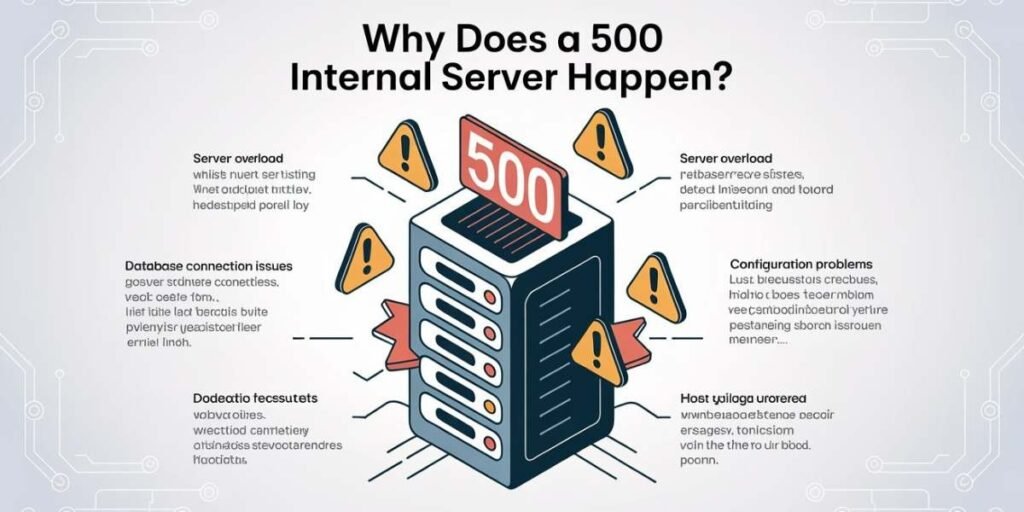
There are many possible reasons behind a 500 server error. Common causes include broken website code, corrupted files, overloaded hosting servers, database failures, plugin conflicts, or incorrect file permissions. Even a small configuration mistake can sometimes stop an entire website from loading properly.
Temporary server maintenance or sudden traffic spikes may also trigger this error unexpectedly. Websites using platforms like WordPress often experience 500 errors after installing incompatible themes or plugins. This is why server troubleshooting usually involves checking multiple technical areas carefully.
How Do I Fix a 500 Internal Server Error?
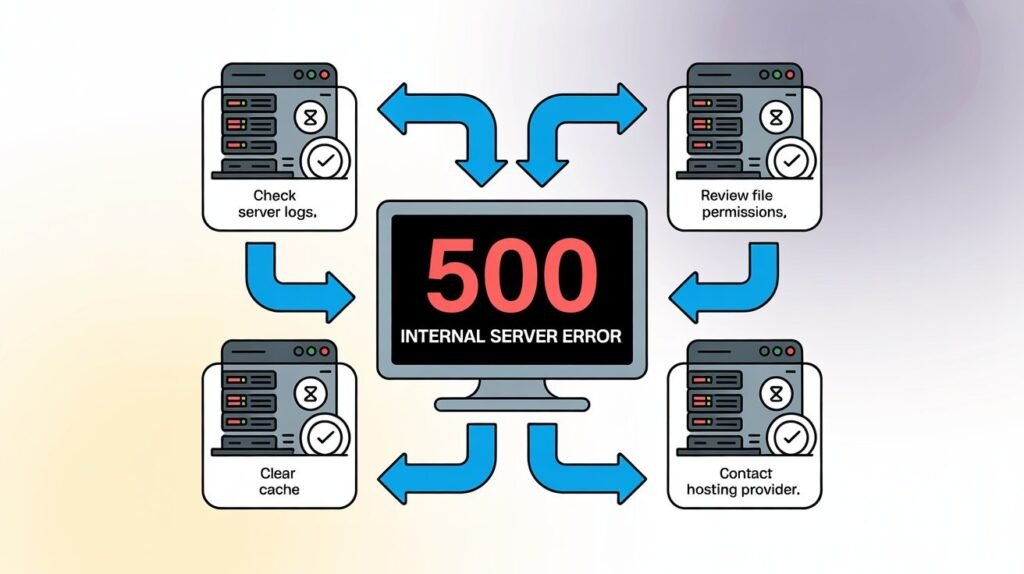
One of the first things users should try is refreshing the page or reopening the website after a few minutes. Clearing browser cache and cookies may also help if old website data is causing loading conflicts. Sometimes the error disappears automatically once the server stabilizes again.
Website owners often fix the problem by reviewing server logs, disabling faulty plugins, repairing database connections, or restoring backup files. Restarting the server and checking hosting settings can also solve many website server problems quickly. The exact solution depends on what caused the error originally.
Is Error 500 Temporary?
Yes, many 500 internal server errors are temporary and disappear after a short time. Servers sometimes become overloaded during traffic spikes, software updates, or maintenance periods. Once the server recovers, the website usually starts working again normally.
If the problem continues for a long period, the website may require technical fixes from developers or hosting providers. Persistent server errors often indicate deeper configuration or software problems that need professional troubleshooting.
500 Internal Server Error in WordPress
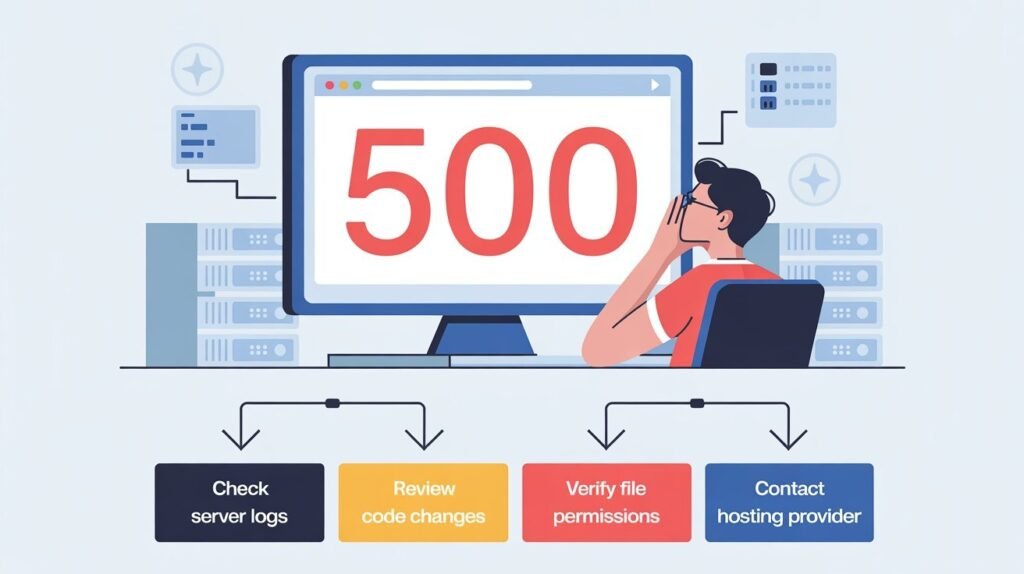
WordPress websites commonly experience 500 errors because of plugin conflicts, broken themes, or corrupted .htaccess files. Installing unstable plugins or modifying website code incorrectly can create backend issues that stop the site from loading properly.
Many WordPress users solve this issue by disabling plugins, resetting themes, or increasing PHP memory limits. Hosting providers also help diagnose server-side WordPress problems through error logs and backup restoration tools.
500 Internal Server Error in APIs
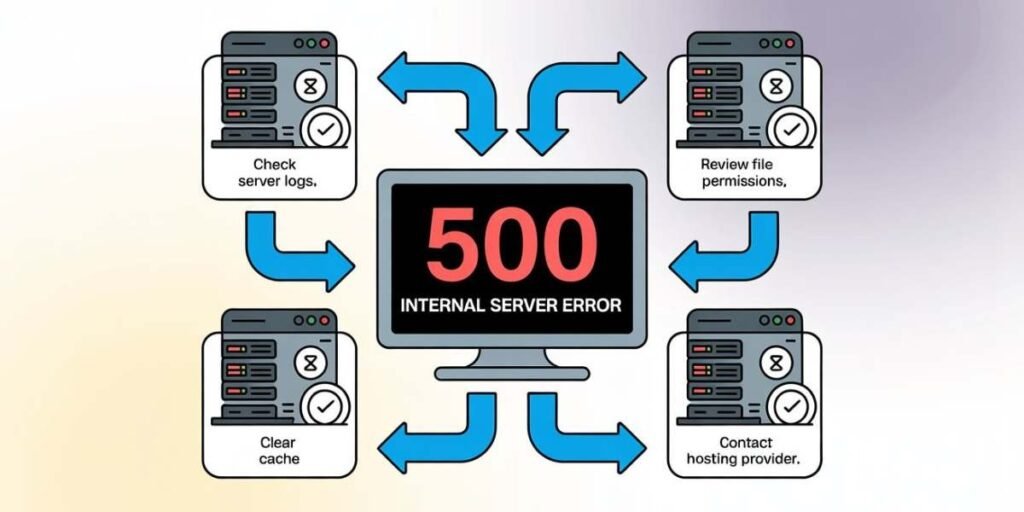
APIs can also return 500 internal server errors when backend systems fail to process requests correctly. This often happens because of database connection failures, coding bugs, overloaded servers, or software integration issues.
Developers usually troubleshoot API errors by checking server logs and monitoring backend services carefully. API-related server errors are common during updates, software testing, or periods of high system demand.
500 Internal Server Error in Nginx Servers
Nginx servers may display 500 errors because of incorrect configuration settings, permission problems, or failed application services. Broken scripts and overloaded server resources can also prevent websites from loading correctly.
Server administrators typically review Nginx logs to identify the exact cause of the problem. Restarting services and correcting configuration files often helps restore website functionality quickly.
Can Browser Cache Cause Website Errors?
Old browser cache files may sometimes create website loading problems that resemble server errors. Browsers store temporary website data to improve loading speed, but corrupted cache files can occasionally interfere with proper website communication.
Clearing browser cache and cookies is one of the easiest troubleshooting steps users can try first. Refreshing stored website data may solve temporary loading conflicts instantly without requiring advanced technical fixes.
Best Ways to Prevent 500 Internal Server Errors
Website owners can reduce server errors by updating software regularly and avoiding unstable plugins or scripts. Monitoring hosting performance and maintaining secure server configurations also improves long-term website stability.
Regular backups are equally important because they allow quick recovery if unexpected server problems occur. Preventive maintenance helps websites remain faster, safer, and less likely to experience major server failures.
Final Thoughts on 500 Internal Server Errors
A 500 internal server error may seem confusing, but it usually points to a backend server issue rather than a user mistake. Problems like broken code, overloaded hosting, plugin conflicts, or server misconfigurations are among the most common causes.
Understanding how these errors happen can help both website visitors and website owners troubleshoot issues more effectively. In many situations, the problem is temporary and can be resolved through simple server maintenance or technical adjustments.
FAQs
1. What is error 500 internal server error?
A 500 internal server error means the website server encountered a problem and could not process the request correctly.
2. How do I fix a 500 internal server error?
Refreshing the page, clearing browser cache, checking plugins, reviewing server logs, and restarting hosting services are common solutions.
3. Is 500 server error my fault?
No, most 500 server errors happen because of problems on the website server rather than the visitor’s device.
4. Is error 500 temporary?
Yes, many 500 errors are temporary and disappear once the server issue or maintenance process is completed.

Clara Linford is a tech enthusiast and troubleshooting expert specializing in Windows errors, gaming crashes, and software fixes. At FindsErrors.com, she breaks down complex technical issues into simple, step-by-step solutions.