
A CRC error, also called a Cyclic Redundancy Check error, happens when a computer detects damaged, corrupted, or incomplete data while reading or transferring files. In simple words, CRC acts like a security check that helps verify whether data has remained accurate during copying, downloading, or storage.
When the system notices that the data does not match the expected value, it shows a CRC error message. This issue commonly occurs when copying files from USB drives, external hard disks, or DVDs, or during software installations.
What Does CRC Mean in Computer Systems?
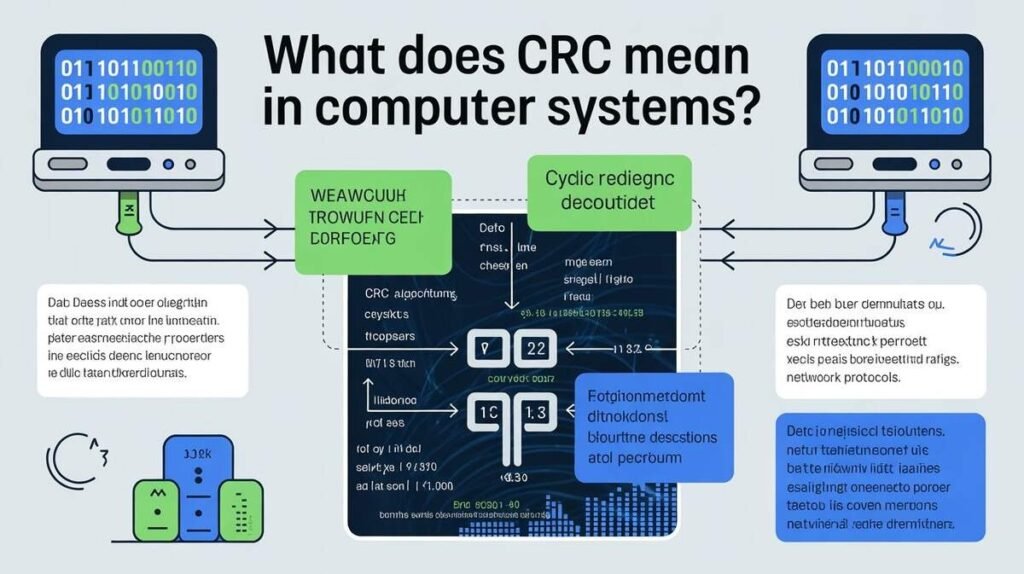
CRC stands for Cyclic Redundancy Check, a method used by computers to detect accidental changes or corruption in digital data. It works by creating a special checksum value when data is stored or transferred. Later, the computer recalculates the value to ensure the data remains unchanged.
If the values do not match, the system assumes the file may be corrupted or damaged. This process helps protect files from errors caused by hardware problems, failed downloads, damaged storage devices, or interrupted transfers.
What Causes CRC Errors on a Computer?
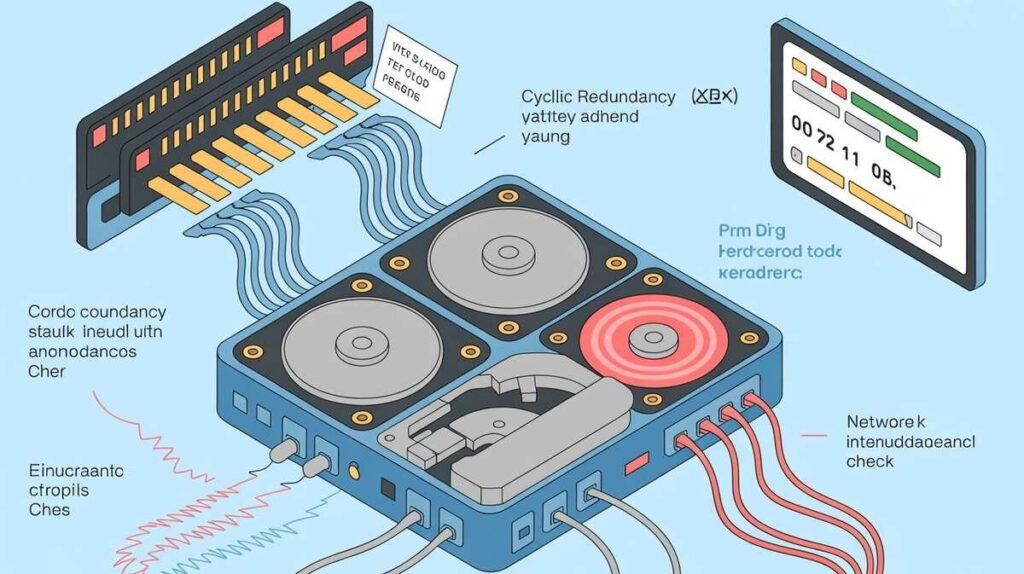
Many different issues can cause CRC errors in computer systems. One common cause is damaged storage devices such as faulty hard drives, corrupted USB flash drives, scratched DVDs, or failing SD cards. Physical hardware damage often leads to unreadable data sectors.
CRC errors may also occur because of incomplete downloads, unstable internet connections, bad cables, malware infections, or sudden power interruptions during file transfers. In some cases, outdated drivers or overheating hardware can also contribute to data corruption problems.
How to Fix CRC Errors Step by Step
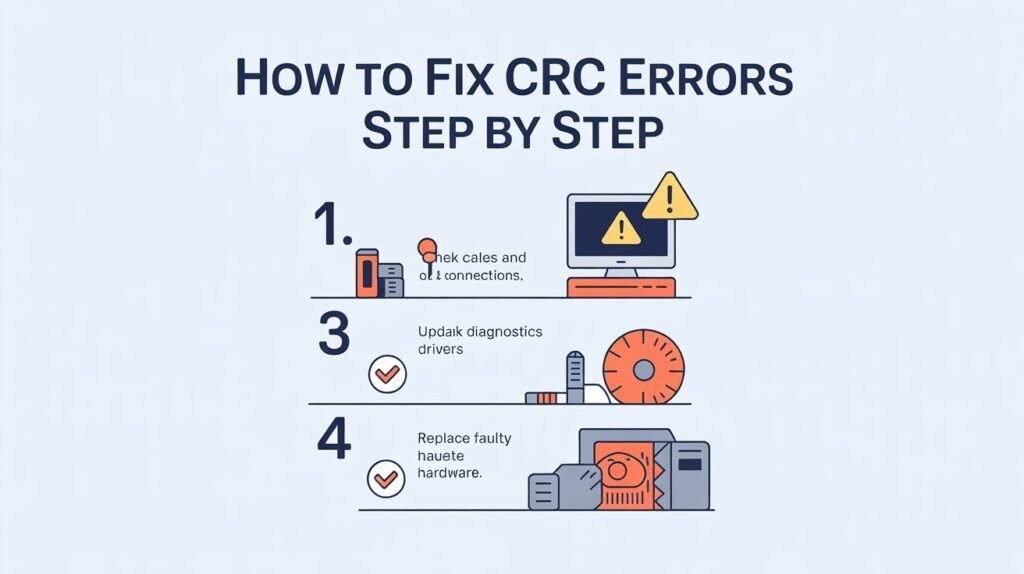
Fixing a CRC error depends on the actual cause of the issue. In many situations, restarting the computer and reconnecting the storage device can solve temporary problems. Trying a different USB port or replacing damaged cables may also help restore stable data transfer.
If the error continues, running built-in Windows tools like CHKDSK can repair bad sectors and file system issues. Antivirus scans, driver updates, and data recovery software may also help fix corrupted files or damaged drives safely.
USB Data Error Cyclic Redundancy Check Explained
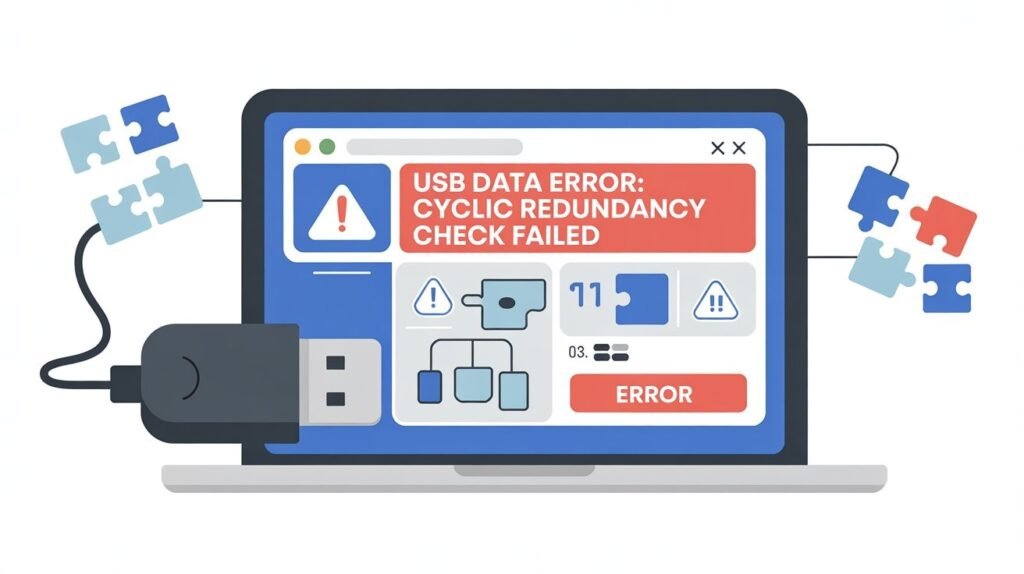
The “USB data error cyclic redundancy check” message usually appears when the system cannot read files from a USB drive correctly. This often happens because of damaged sectors, unsafe device removal, corrupted file systems, or failing flash memory.
In many cases, users can recover files by connecting the USB drive to another computer or using recovery software. However, severe physical damage may require professional data recovery services to restore important files successfully.
Is 1 CRC Error Bad for Your System?
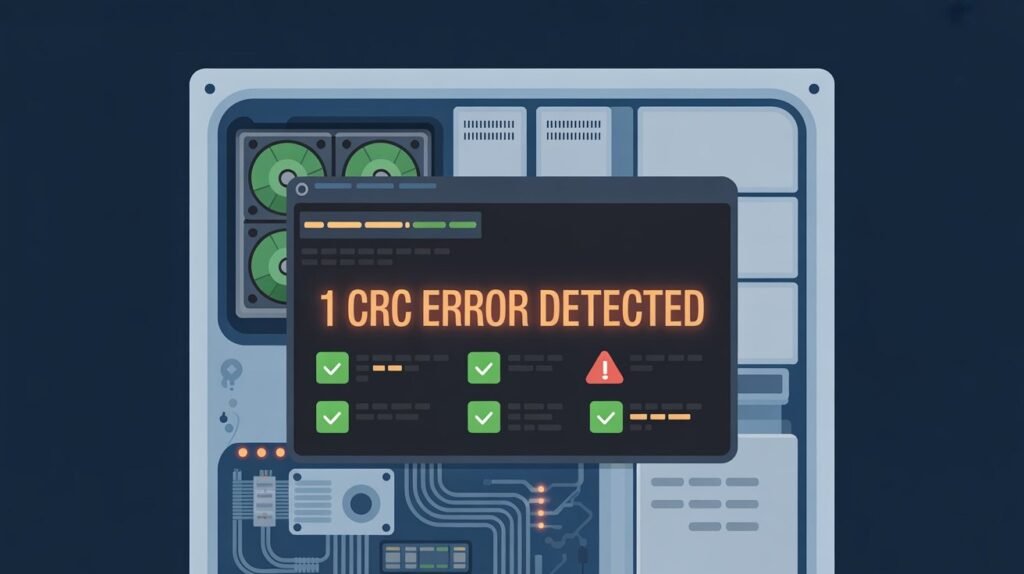
A single CRC error is not always dangerous, but it should not be ignored. Sometimes one error can happen because of a temporary interruption during file transfer or a minor software issue. However, repeated CRC errors may indicate a larger hardware problem developing over time.
Frequent CRC errors often suggest failing storage drives, damaged memory sectors, or unstable connections. Monitoring the situation early can help prevent permanent data loss and improve system reliability.
How CRC Errors Affect Hard Drives and SSDs
CRC errors can sometimes indicate deeper problems inside hard drives or SSD storage devices. Mechanical hard drives are especially vulnerable because physical wear, overheating, or bad sectors can damage stored data gradually.
SSDs are generally more reliable but may still experience CRC-related issues due to firmware problems, aging flash memory, or corrupted file systems. Regular backups are extremely important because storage failures can occur unexpectedly.
ISDone DLL Error Failed CRC Check Meaning
The “ISDone DLL error failed CRC check” commonly appears while installing games or large software files. This error usually means the installation files are incomplete, corrupted, or damaged during download or extraction.
The problem may also occur due to antivirus interference, faulty RAM, or insufficient storage space. Re-downloading installation files from trusted sources often fixes the issue successfully.
Can Internet Problems Cause CRC Errors?
Yes, unstable internet connections can sometimes lead to CRC-related issues during file downloads. If downloaded data becomes incomplete or corrupted during transmission, the system may detect a checksum mismatch and display a CRC error.
This is why interrupted downloads, weak Wi-Fi signals, or sudden connection drops can occasionally create corrupted installation packages or damaged archive files.
CRC Tutorial: How CRC Error Detection Actually Works
A CRC tutorial often explains the mathematical process behind error detection in computer networks and storage systems. CRC algorithms divide data into blocks and calculate a checksum value using binary operations.
When the data is received or accessed later, the checksum is recalculated again. If the values differ, the system immediately detects possible corruption. This method is widely used in networking, storage devices, ZIP files, and communication systems because it is fast and reliable.
How to Prevent CRC Errors in the Future
Preventing CRC errors starts with maintaining healthy hardware and safe data handling habits. Always eject USB drives properly, avoid sudden shutdowns, and keep storage devices away from overheating or physical damage.
Regular antivirus scans, driver updates, and disk health monitoring can also reduce the chances of data corruption. Creating backups regularly is one of the best ways to protect important files from unexpected storage failures.
Why CRC Is Important for Data Safety
CRC technology plays a major role in protecting digital information from corruption and accidental errors. Without CRC verification, damaged files could go unnoticed and create serious problems during software installation, file transfers, or system operations.
This error-checking method improves data reliability across networks, storage systems, and communication protocols. It helps ensure that files remain accurate and safe while moving between devices.
Final Thoughts on CRC Errors
Understanding what a CRC error is can help users identify data corruption problems early and protect important files from permanent damage. While occasional CRC errors may be harmless, repeated issues often indicate failing hardware or corrupted storage devices.
By using proper troubleshooting steps, maintaining healthy hardware, and creating regular backups, most CRC-related problems can be fixed or prevented effectively. Early detection is always the best way to avoid serious data loss in the future.
FAQs
1. What causes CRC error?
CRC errors are usually caused by corrupted files, damaged storage devices, bad sectors, faulty cables, interrupted transfers, or incomplete downloads.
2. How to fix the CRC error?
You can fix CRC errors by restarting the computer, changing USB ports, running CHKDSK, updating drivers, scanning for malware, or recovering damaged files.
3. Is 1 CRC error bad?
One CRC error is not always serious, but repeated CRC errors may indicate failing hardware or storage problems that should be checked quickly.
4. What is CRC in simple words?
CRC is a data-checking method that helps computers detect damaged or corrupted files during storage or transfer.
5. Can CRC errors cause data loss?
Yes, severe CRC errors related to damaged hard drives or corrupted storage devices can eventually lead to permanent data loss if not fixed early.

Clara Linford is a tech enthusiast and troubleshooting expert specializing in Windows errors, gaming crashes, and software fixes. At FindsErrors.com, she breaks down complex technical issues into simple, step-by-step solutions.